Channel Timeline
Browse a YouTube channel by year and month
A date index cuts one public channel into years, then months, then titles. Use it when you already know the creator and roughly when something went up, and you do not want an infinite grid.
Paste a channel URL or @handle to open the public archive.
Year first, month second
After a channel resolves, year tabs are the spine of the archive. “All years” shows the public set as a whole. Choosing one year is what reveals months. Each month card shows how many public videos landed that month. Empty months stay visible but disabled, so you can still see the shape of the year — a gap is information, not a missing button.
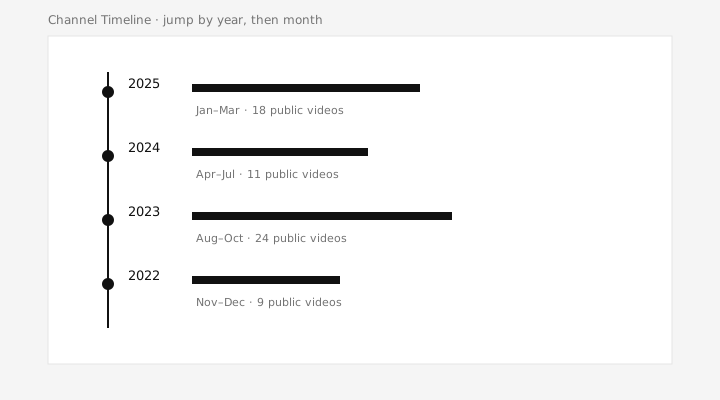
Each month card includes a small distribution: ten ticks, each covering about three days. That shows whether uploads clustered at the beginning of the month or the end, which is more honest than a single number on a tile.
How to move through a year
- Paste a channel URL or @handle above. No YouTube login.
- Pick a year. Month cards appear only after that choice.
- Open one month to read titles, or stay on the whole year if you are scanning.
- Switch between the thumbnail grid and the compact title list. Pictures help when you remember artwork; the list is faster when you are reading names.
YouTube’s own uploads list is still the right place to watch the newest video. This page is for a different job: you already have the channel, you roughly know the date, and you need a map cut by year.
Limits of a date index
Counts and view numbers are a snapshot from the last sync, not a live Studio dashboard. Moving between years after the archive exists does not recrawl YouTube on every click. Use update when you know the channel has posted since that sync. This is not watch history, not a playlist manager, and not a backup of files YouTube has removed.
Browse a YouTube Channel by Year and Month is part of Channel Timeline, an independent tool, not a YouTube or Google product.